Unselect or Deselect – Which Is Correct? (With Examples)
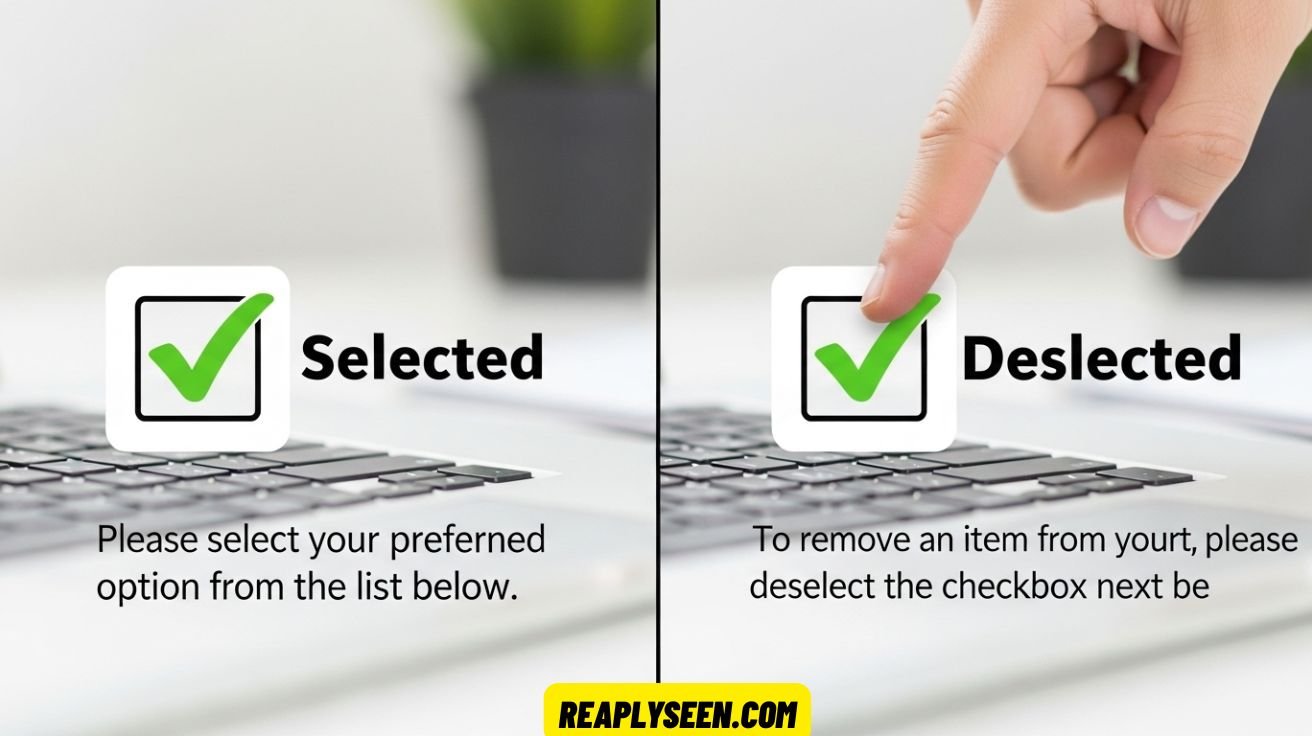
Unselect or Deselect means to remove a choice or selection. It is used in software, menus, and checkboxes. The word deselect is the correct and professional term.
Sometimes people use unselect by mistake. This can confuse users. Using the right word makes instructions clear and easy to follow.
Deselect is common in software like Word, Photoshop, and Google Sheets. It helps users undo a selection. Clear words improve UI/UX consistency and make instructions simple.
What Does “Unselect” Mean?
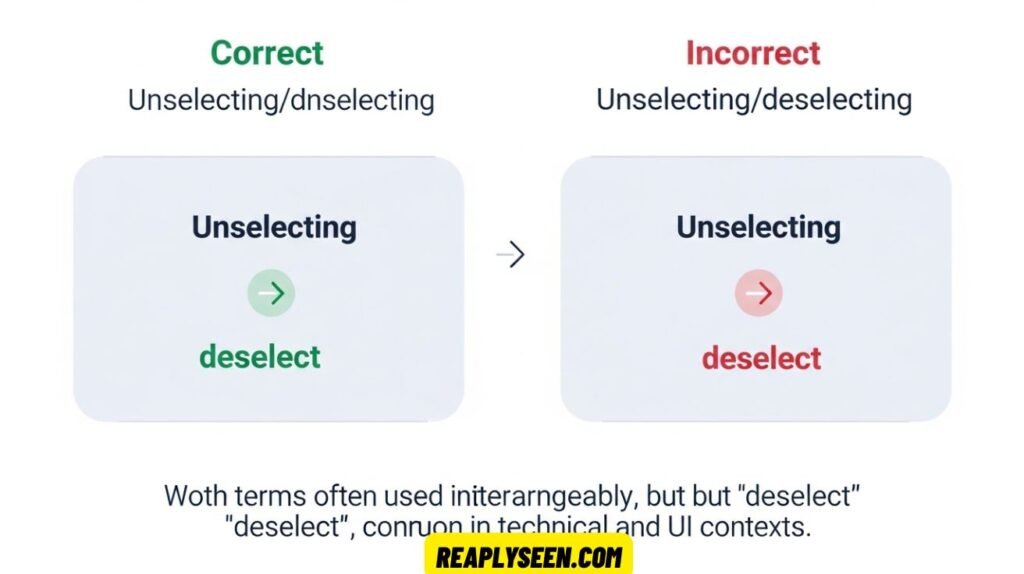
The word unselect is a verb that suggests reversing a selection. Following the English pattern of adding “un-” to a verb, similar to undo, unlock, or untie, it intuitively makes sense that unselect means to no longer choose an item. For example, if you mistakenly click on a checkbox, you might want to “unselect” it.
However, there is a catch. Unselect is rarely recognized in formal dictionaries such as Merriam-Webster or the Oxford English Dictionary. This means that while it might appear in casual discussion forums, blogs, or in spoken language, it is not considered standard in software documentation or technical writing. Using “unselect” in professional settings may lead to misunderstandings, especially for non-native speakers or users unfamiliar with colloquial terminology.
Examples of “Unselect” in Sentences
Despite its informal usage, you may see unselect in some contexts. For instance, you could read, “I accidentally unselected the checkbox,” or “Please unselect the previous item before making a new choice.” While these sentences are understandable, they are not aligned with professional user interface terminology or UI microcopy standards.
In casual online chats or app comments, unselect might seem natural, but it is best avoided in instructional copy or form instructions, where clarity and precision are critical. The word feels intuitive because it is similar to undo selection, but without formal recognition, it remains nonstandard.
What Does “Deselect” Mean?
The word deselect is the correct, recognized term in professional environments. Dictionaries define it as “to cancel the selection of an option or item that was previously selected.” The prefix “de-” specifically means to remove or reverse an action, so deselect literally translates to remove selection.
In software documentation, technical writing, and UI/UX consistency standards, deselect is universally accepted. Whether you are instructing a user to remove a highlighted row or deselect multiple options in a dropdown, the term is precise and authoritative. Using deselect avoids the ambiguity of “unselect” and ensures your instructions are compatible with professional language expectations.
Where It’s Used
Deselect is used in multiple professional contexts. It is standard in checkbox behavior, menu options, dropdown selections, and even form instructions. In operating systems, software platforms, and UI design, “deselect” communicates selection removal clearly and aligns with common interface language.
For example, in applications like Google Sheets, Windows File Explorer, and Photoshop, users are familiar with “deselect” commands. The consistent use of deselect across platforms reinforces UI microcopy clarity, enhances usability, and maintains clear communication between software and users.
Real Examples in Action
Many widely used software applications follow the “deselect” convention. In Microsoft Word, a user can deselect the highlighted text by clicking elsewhere or using the menu. In Photoshop, pressing the Photoshop shortcut Ctrl+D allows users to remove any active selection quickly. Google Sheets users can deselect rows in filter view to adjust the display without changing other options. These examples show that deselect is not only recognized but is essential in maintaining UI/UX consistency.
Usage in Technology & Software
Precision is non-negotiable in software documentation and technical writing. A single incorrect term can confuse users or cause errors in task completion. Using deselect ensures that instructions are precise, professional, and universally understood. While “unselect” might appear in informal online forums, “deselect” dominates in official software guides, operating systems, and design documentation.
When designing UI microcopy, every term counts. A clear command like “Deselect all” reduces cognitive load and avoids ambiguity, which is especially important in professional applications and form instructions.
See Also : Company-wide or Companywide: Understanding the Hyphen Rule
Systems That Use “Deselect”
The use of deselect spans multiple operating systems and applications. The following table illustrates common platforms and how they implement the command:
| Platform | Usage Example | Interface Element |
| Windows | Deselect all items | File Explorer, Checkbox UI |
| macOS | Command-click to deselect a file | Finder, Preview |
| Adobe Photoshop | Deselect selection (Ctrl+D) | Menu command |
| Google Sheets | Deselect columns in filter view | Dropdown interaction |
| Linux CLI | —deselect flag to skip items | Bash/Shell parameters |
This table demonstrates that deselect is universally recognized in professional software documentation, checkbox behavior, and dropdown menu selection commands.
Why It Matters in Design
In UI and UX design, users expect consistent and understandable language. Seeing deselect where it is expected avoids confusion, while “unselect” may feel inconsistent or informal. Professional designers and technical writers emphasize UI/UX consistency because it improves accessibility, reduces errors, and supports instructional copy clarity. Using precise terminology in interface language contributes to better form instructions, more intuitive menus, and overall clear communication in software.
Grammar and Prefix Breakdown

The distinction between unselect and deselect comes down to prefixes. The prefix “un-” generally means “not” or “opposite of,” while “de-” means “reverse” or “remove the action.” While unselect might seem logical, it is imprecise in professional contexts. Deselect follows formal grammar rules and is preferred in technical writing, UI microcopy, and software instructions.
Why “De-” Wins in Grammar
Etymologically, “de-” is traceable and consistent. It signals removal or reversal clearly. Dictionaries recognize deselect as the correct term, whereas unselect is absent from many authoritative sources.
Professional platforms, including Microsoft, Apple, and Google, reinforce this standard. By using deselect, writers and designers follow Microsoft Style Guide terminology, Apple Human Interface Guidelines, and Google Developer Documentation recommendations.
Real-World Usage Data
Google Ngram Viewer
A search on Google Ngram Viewer shows that since the 1990s, deselect has consistently outpaced unselect in written English. This trend reflects growing acceptance in professional software documentation and technical communication.
Google Search Volume (Monthly Averages)
| Term | Search Volume | SEO Competition |
| Deselect | 6,600+ | Medium |
| Unselect | 1,000–1,300 | Low |
Clearly, deselect is far more common, indicating stronger recognition and usage in both professional and user-focused contexts.
Developer Forums (Stack Overflow, GitHub)
On platforms like Stack Overflow and GitHub, deselect dominates discussions on checkbox behavior, dropdown menu selection, and selection commands. Unselect appears occasionally in informal comments but is largely absent in professional code examples.
When “Unselect” Might Still Work
While deselect is preferred, unselect can still appear in casual or legacy contexts. For example, small software apps, older programs, or informal online chats may use unselect. Non-native speakers might also find unselect intuitive because it mirrors the logic of undo selection. However, in any professional instructional copy or technical writing, it is best to use deselect for clarity.
Examples
If you encounter unselect in practice, it often appears like this: “To unselect a friend, tap their name again,” or “Unselect all to clear your queue.” These examples work in casual use but should not replace deselect in professional documentation, UI microcopy, or form instructions.
Caveats
Using unselect in official software manuals or design guides can confuse users, especially in complex workflows. Non-native English speakers may not understand it as clearly as deselect. Its absence in dictionaries and professional style guides makes it unreliable in formal contexts.
Style Guide Recommendations
🔹 Microsoft Writing Style Guide
The guide recommends using deselect when reversing a selection and avoiding unselect in professional user interface terminology. This aligns software documentation with consistent UI microcopy standards.
🔹 Apple Human Interface Guidelines
Apple specifies deselect as the correct action term, emphasizing consistency and clarity in menu options, checkbox behavior, and form instructions.
🔹 Google Developer Documentation
Google’s documentation advises using simple, clear verbs like select and deselect, avoiding nonstandard variations like unselect to maintain professional interface language.
Summary Comparison Table
| Feature | Deselect | Unselect |
| Dictionary presence | ✅ Yes | ❌ Rare or absent |
| UI design usage | ✅ Standard | ❌ Rare |
| Technical documentation | ✅ Preferred | ❌ Avoid |
| Informal speech | 👍 Occasionally | 👍 Common |
| Professional suitability | ✅ Recommended | ❌ Not ideal |
Understanding the Difference Between Unselect and Deselect
The terms unselect and deselect are often used interchangeably, but in software documentation and technical writing, they have distinct meanings. Deselect is recognized in dictionaries and professional user interface terminology, while unselect is informal. Choosing the correct term ensures clarity in instructions, particularly for checkbox behavior and dropdown menu selection.
Using the right word also supports UI/UX consistency. When users read your instructional copy, seeing a standard term like deselect communicates a clear action. Incorrect usage, such as unselect, may confuse readers and create ambiguity in menu options or form instructions. Correct terminology strengthens professional language across platforms.
See Also : Ingrained or Engrained – What’s the Real Difference?
Why Deselect Is Preferred in Technical Writing
In professional contexts, deselect clearly indicates selection removal. It is recognized in authoritative sources and style guides like Microsoft Style Guide terminology. This makes deselect suitable for software documentation, UI microcopy, and instructions on checkbox behavior. It signals to users exactly what action to take, enhancing usability and clarity.
Using deselect consistently also improves interface language and overall user experience. Whether you are creating highlighted text commands in Photoshop or guiding someone in Windows File Explorer deselect, users know what to expect. This alignment between terminology and action reduces confusion and supports smooth UI/UX consistency.
When Unselect May Still Appear
Even though deselect is preferred, unselect can appear in casual or older software applications. Non-native speakers sometimes favor it due to its similarity to undo selection. Forums, informal blogs, and chat apps may also use unselect, though it is rarely found in official technical writing.
Despite occasional use, relying on unselect in software documentation is risky. Users might misinterpret instructions in form instructions or menu options. For professional clarity, especially when guiding highlighted text removal or checkbox behavior, using deselect is safer and aligns with interface language standards.
Real-World Examples of Deselect in Action
Many applications follow the deselect standard. In Microsoft Word, users can deselect highlighted text by clicking elsewhere. Photoshop provides the Photoshop shortcut Ctrl+D to remove selection, and Google Sheets allows users to deselect rows in filter view. These examples demonstrate consistent UI/UX microcopy.
Consistency in terminology ensures clear instructional copy and proper checkbox behavior. Using deselect instead of unselect aligns with form instructions, dropdown menu selection, and professional interface language, making digital experiences intuitive and accessible for all users.
How Software Documentation Guides Term Usage
Professional software documentation and style guides like Microsoft, Apple, and Google consistently recommend deselect. They emphasize clarity in UI microcopy, checkbox behavior, and menu options, making instructions reliable and easy to follow. Unselect is largely absent from official materials.
Following these standards is critical for technical writing and instructional copy. Clear terminology prevents confusion, supports UI/UX consistency, and aligns with professional language expectations. Proper word choice improves the overall user experience across operating systems and software platforms.
Checkbox Behavior and Selection Removal
In checkbox behavior, precise language is vital. Deselect communicates the action of removing selection clearly, whereas unselect may create ambiguity. Whether clearing multiple items or adjusting dropdown menu selection, using deselect ensures users understand exactly what will happen.
This is especially important in form instructions and software UI microcopy. Using consistent interface language helps maintain UI/UX consistency, reduces errors, and improves instructional copy quality. Users learn to rely on the standard term deselect for actionable clarity.
Common Shortcuts for Deselecting Items
Many applications offer shortcuts to deselect items quickly. In Photoshop, Ctrl+D or Cmd+D allows users to remove selection from highlighted text. Windows File Explorer and Mac Finder also support commands to deselect all items, improving workflow efficiency.
Shortcut knowledge enhances UI microcopy understanding. Using familiar terms like deselect in instructions ensures users interpret commands correctly. Including clear steps in instructional copy or form instructions reduces errors and supports UI/UX consistency across platforms.
The Role of Deselect in UI/UX Consistency
UI/UX consistency relies on precise terminology. Using deselect across checkbox behavior, dropdown menu selection, and form instructions ensures a unified interface language. Users can trust that commands behave as described in software documentation.
Consistency also improves accessibility and instructional copy readability. When all menu options follow professional standards like Microsoft Style Guide terminology, users are less likely to make mistakes, and digital interactions remain smooth and intuitive.
Insights from Developer Forums and Real Usage
On platforms like Stack Overflow and GitHub, deselect is overwhelmingly preferred. Discussions on checkbox behavior, dropdown menu selection, and commands for highlighted text almost always use deselect. Unselect appears only in informal or casual contexts.
This real-world data reinforces the professional consensus: using deselect in software documentation and instructional copy ensures clear communication. Developers, designers, and writers rely on this term to maintain UI microcopy, consistent interface language, and reliable user instructions.
Style Guide Recommendations for Deselect
Style guides like Microsoft, Apple, and Google all advocate using deselect. Microsoft emphasizes clarity in menu options and checkbox behavior, Apple insists on consistency in UI microcopy, and Google recommends simple, precise terms in software documentation.
Following these guidelines ensures professional instructional copy and technical writing. Using deselect improves form instructions, maintains UI/UX consistency, and creates clear communication across applications, platforms, and user interfaces. Avoid unselect in formal materials to align with professional standards.
FAQs
What does deselect mean?
To deselect means to remove a previous selection, such as unchecking a box or clearing a highlighted item.
How do you say “unselect”?
“Unselect” is pronounced as /ʌn-sɪˈlekt/ and is an informal way to say deselect.
What is unselected?
An item is unselected when it is no longer chosen or highlighted in a menu, form, or interface.
Is deselect opposite of select?
Yes, deselect is the formal opposite of select, meaning to undo or remove a selection.
Conclusion
Choosing the right word in software and user instructions is very important. Unselect or Deselect are words people use to talk about removing a choice. The correct and professional word is deselect. It clearly tells the user to remove a selection from a checkbox, menu, or highlighted text. Using deselect in software documentation, instructions, and UI menus keeps the interface clear and easy to understand.
Many style guides, like Microsoft, Apple, and Google, recommend using deselect in all professional writing. Using unselect or deselect correctly helps users follow instructions without confusion. Clear words improve UI/UX consistency and make technical writing stronger and more helpful. Always choose deselect for accuracy and clarity.